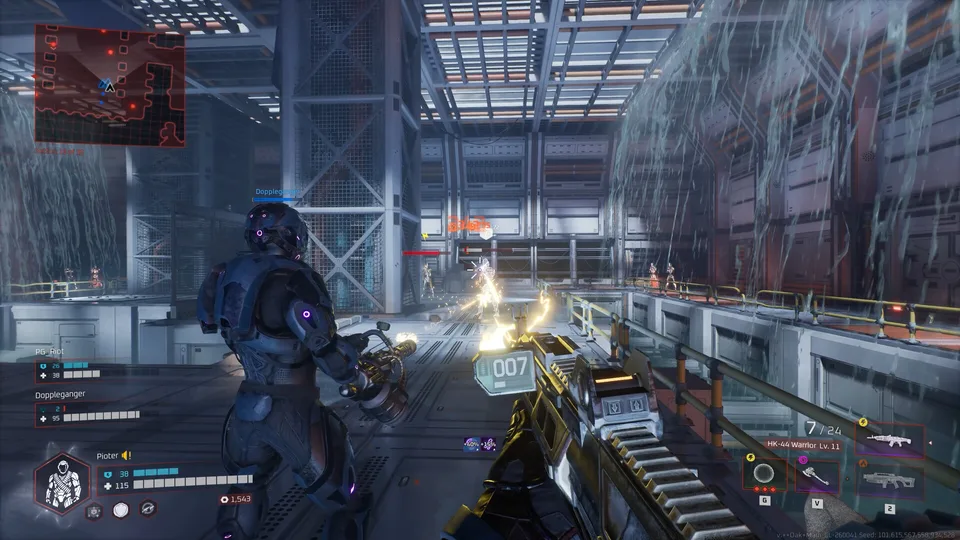
Troubleshooting Deadzone Rogue 2 Freezing and Performance Issues
Learn how to diagnose and address freezing, stuttering, and performance hitches in Deadzone Rogue 2 with expert tips on settings and hardware optimization.
Published: Deadzone Rogue 2 Wiki Editorial Team
Table of Contents
Understanding Freezing and Stuttering in Deadzone Rogue 2
When you encounter a "freeze" or stutter in Deadzone Rogue 2, it is often tied to the game's current optimization state rather than a permanent hardware failure. As an FPS roguelite, the game requires precise input, and even a micro-stutter can disrupt a run. According to community reports on the official Steam community hub, some players have noted that the game may feel jerky even when the frame rate appears stable. This often points to issues like shader compilation or inconsistent frame pacing.
If the game freezes completely, the first step is to verify the integrity of your game files via Steam. Right-click the game in your library, select "Properties," navigate to "Installed Files," and click "Verify integrity of game files." This ensures that no corrupted data is triggering the lock-up during intense combat sequences.
Optimizing Your Build for Stability
To minimize the likelihood of freezing during runs, managing your graphical settings is essential. While the game provides high-octane action, excessive graphical overhead can lead to stability hitches.
Update Graphics Drivers: Ensure your GPU drivers are up to date to handle the latest shader optimizations.
Check Background Applications: Close resource-heavy apps like browser tabs or recording software that might compete for CPU cycles.
Limit Frame Rate: If you experience "jerky" movement, capping your frame rate to match your monitor's refresh rate can significantly improve frame pacing.
Monitor Temperatures: Ensure your hardware is not thermal throttling during prolonged play sessions.
Gameplay Mechanics and Potential "Soft Locks"
Sometimes, what feels like a freeze is actually a gameplay-related issue or a bug within the game's logic. Players have noted specific scenarios where combat interactions, such as those involving enemy abilities or specific character perks, might cause unexpected behavior.
Tip
Combat Awareness: If you notice the game hitching when enemies use special abilities (like the "blue ghost" attack reported by some users), try to maintain distance or use mobility skills to break the line of sight. This reduces the number of active calculations the game engine needs to process simultaneously, which can mitigate performance drops in the heat of battle.
Community-Driven Troubleshooting
The Deadzone Rogue 2 community is highly active in documenting these technical quirks. If you find yourself frequently freezing, it is helpful to check the official discussions to see if others with similar hardware configurations are experiencing the same issue.
Why does the game feel jerky even with high FPS?
This is often attributed to frame pacing issues or shader compilation. Players suggest that this is a known area of improvement for the developers, and adjusting settings such as V-Sync or resolution scaling can sometimes provide a smoother experience.
Is the freezing related to the Demo content?
The demo is intended to be a polished snapshot of the core mechanics. However, because it is a pre-release build, it may contain specific bugs that are being actively tracked by the Prophecy Games team. Always ensure you are running the latest version available on the platform.
Next Steps for Players
If you continue to experience severe freezing, consider reporting your specific hardware specs (CPU, GPU, RAM) and the exact moment the freeze occurs (e.g., during a specific level, when a certain enemy spawns) to the developers via the official Discord or the Steam forums. Providing this data helps the development team identify if the issue is systemic or related to specific GPU drivers.
Remember that Deadzone Rogue 2 is a complex roguelite; the interaction between your chosen augments and the environment can be intense. Sometimes, simply restarting the game client after a long session can clear out memory leaks that might be contributing to performance degradation. Keep your drivers updated, stay engaged with the community, and keep pushing for that next successful run in the Deadzone.